
Licences Office 2019
Office 2019 licenses are one-time purchases of Word, Excel, PowerPoint and, depending on the edition, Outlook, Access and Publisher, for Windows 10/11 or Mac.
- 2
- 3
- 4
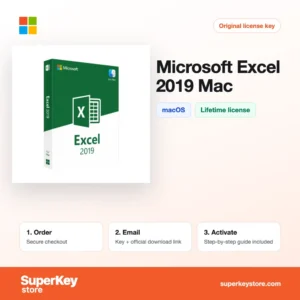
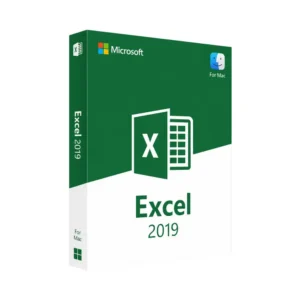
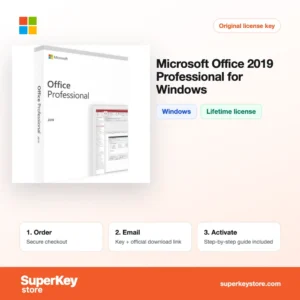
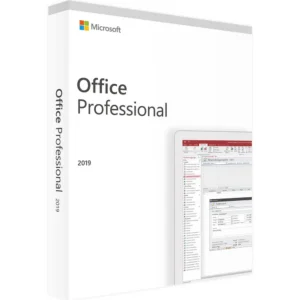
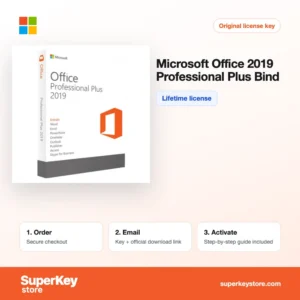
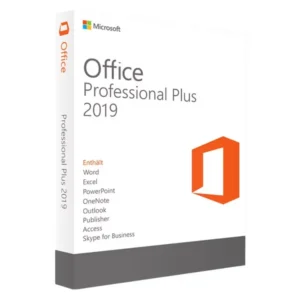
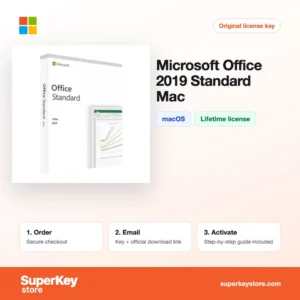
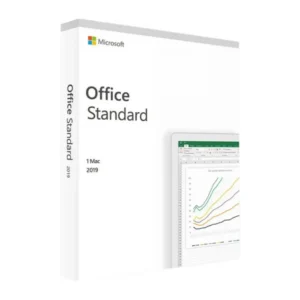
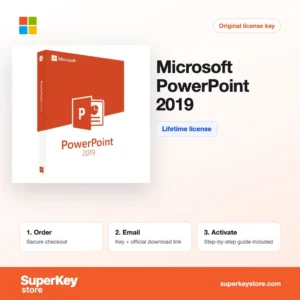
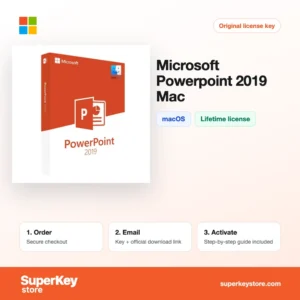
Buy Office 2019 Licenses at SuperKeyStore
Office 2019 is the perpetual version of Microsoft's office suite released in 2018. You pay once and keep the apps without a subscription. It is a fit for users who need a stable, familiar set of programs, for offices that must match an existing Office 2019 environment, and for anyone who prefers working offline.
The category contains full suites such as Office 2019 Home & Student for Windows et Office 2019 Professional Plus, Mac editions like Office Home and Student 2019 for Mac, and single apps such as Word, Excel, Outlook or Access. You receive your product key and a link to the official Microsoft download by email, usually within minutes.
Why buy an Office 2019 license?
Office 2019 still has clear advantages for certain users:
- One-time payment: There are no monthly or yearly fees, and the license does not expire.
- Works offline: After activation, the apps run without an internet connection or a signed-in cloud account.
- Familiar features: Office 2019 introduced functions such as Excel funnel charts and new formulas like IFS and TEXTJOIN, plus PowerPoint Morph and Zoom.
- Buy only what you need: Single apps like Word 2019 or Excel 2019 cost less than a full suite when you use just one program.
- Compatibility: Files use the standard .docx, .xlsx and .pptx formats, so they open in newer Office versions and Microsoft 365.
What are the main features of Office 2019?
Office 2019 brought several improvements over Office 2016. The main features are:
1. New Excel functions and charts
Excel 2019 added functions such as IFS, SWITCH, CONCAT, TEXTJOIN, MAXIFS and MINIFS, plus funnel and map charts. Analysts and students write shorter, clearer formulas.
2. PowerPoint Morph and Zoom
Morph animates smooth transitions between slides, and Zoom jumps between sections in any order. Presenters create dynamic talks without extra tools.
3. Word Learning Tools and translation
Word 2019 includes Focus mode, read aloud and built-in translation. Students and writers read and edit more comfortably.
4. Inking and SVG support
Pen users can draw and convert ink to shapes and equations. Scalable icons and SVG graphics insert directly into documents and slides.
5. Outlook Focused Inbox
Outlook 2019 sorts important messages into a Focused tab. Business users see priority mail first.
6. Access and Publisher in Professional
Professional Plus includes Access for databases and Publisher for flyers and newsletters. Small offices get desktop database and layout tools in one license.
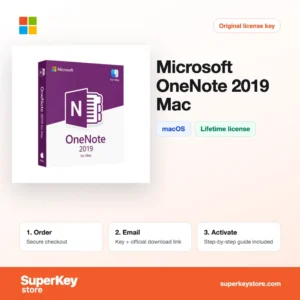
Single applications are a good alternative when you only need one program. Word, Excel, PowerPoint, Outlook, Access, Publisher and OneNote for Mac are available as separate 2019 licenses. For businesses, Standard and Professional Plus include the main apps under terms suited to company use.
Which Office 2019 product is right for you?
Home & Student covers school and private use, Home & Business adds Outlook for work, and Professional Plus includes Access and Publisher for advanced office tasks.
| Produit | Best for | Platform | Main apps |
|---|---|---|---|
| Office 2019 Home & Student for Windows | Students and home users | Windows | Word, Excel, PowerPoint |
| Office Home and Student 2019 for Mac | Home use on a Mac | macOS | Word, Excel, PowerPoint |
| Office 2019 Home & Business for Windows | Freelancers and small offices | Windows | Word, Excel, PowerPoint, Outlook |
| Office 2019 Professional Plus | Advanced office work and databases | Windows | Adds Access and Publisher |
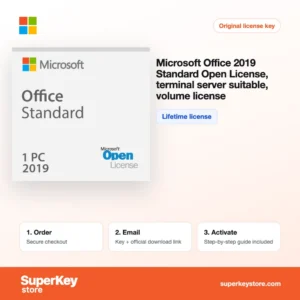
| Office 2019 Standard Volume License (Terminal Server) | Companies using Remote Desktop Services | Windows Server | Standard suite, volume license |
| Microsoft Excel 2019 for Windows | Users who only need spreadsheets | Windows | Excel |
What are the system requirements for Office 2019?
Office 2019 needs Windows 10 or 11 on a PC, or a supported macOS version on a Mac; check each product's System Requirements tab.
| Requirement | Minimum |
|---|---|
| Système d’exploitation | Windows 10 or 11; macOS versions supported at release of the Mac build |
| Processeur | 1.6 GHz, 2 cores on Windows; Intel processor on Mac (Apple silicon runs current builds) |
| Mémoire (RAM) | 4 GB (64-bit), 2 GB (32-bit) on Windows; 4 GB on Mac |
| Espace disque | 4 GB on Windows; 10 GB on Mac |
| Other | Internet connection for activation |
Before installing, remove any trial version of Microsoft 365 that came with the computer, since it can block the Office 2019 installation.
How do you download and activate Office 2019?
- Order: Choose the edition or single app for your operating system and pay.
- Email: We send the product key and download link, usually within minutes; a security check can take up to 24 hours.
- Download: Download Office 2019 from the official Microsoft source given in the email and install it.
- Activate: Open Word or Excel and enter the 25-character product key when asked.
What happens to my Office 2019 license if I reinstall or format my computer?
Retail keys for Office 2019 can usually be used again on the same computer. If the key was linked to a Microsoft account, install from that account; otherwise reinstall Office 2019 and enter the same 25-character key, and phone activation through Microsoft may be needed if online activation fails.
Can I move a Office 2019 license to a new PC or Mac?
Retail Office 2019 licenses can be moved to a new computer after you uninstall them from the old one. Volume and some special licenses are bound to their license terms, and Windows and Mac editions are separate products that cannot be swapped.
What if my Office 2019 key does not work?
Contact our support by email with your order number and a screenshot of the activation screen. We will send a replacement key or refund you in line with the Politique de remboursement.
Frequently asked questions about Office 2019
Is Office 2019 still supported by Microsoft?
No. Microsoft ended support for Office 2019 on 14 October 2025, so it no longer gets security updates. The apps keep working, but for long-term use a newer version is the safer choice.
Does Office 2019 run on Windows 11?
Yes, Office 2019 installs and runs on Windows 10 and Windows 11. It does not run on Windows 7 or 8.1.
Can I install Office 2019 on Mac and Windows with one key?
No. Windows and Mac editions are separate products with separate keys, so buy the one for your computer.
Is Office 2019 a lifetime license?
Yes, it is a one-time purchase that does not expire. It is usually tied to one computer.
Office 2019 or Microsoft 365?
Office 2019 suits users who want to pay once and need no new features. Microsoft 365 is a subscription with current apps and OneDrive storage.
Is Office 2019 available in 32-bit?
Yes. The Windows edition installs in 32-bit or 64-bit; 64-bit is the default and recommended choice.
What is a Terminal Server license?
It is a volume license that allows Office to run on a Remote Desktop Services server for several remote users, subject to Microsoft's licensing rules.
Can I buy Outlook 2019 alone?
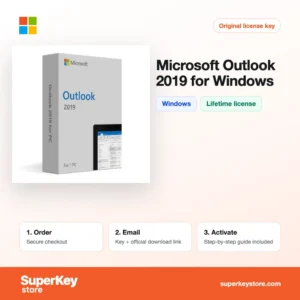
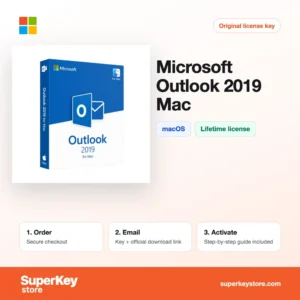
Yes. Outlook 2019 for Windows and Outlook 2019 for Mac are sold here as single apps.
Can I have Office 2019 and Microsoft 365 on one PC?
Microsoft does not support mixing different Office versions in most combinations, so remove one before installing the other.
More Office versions
Compare all versions in Licences Microsoft Office, or look at Licences Microsoft 365 et Licences Windows.
Que recevez-vous en achetant des licences Office 2019 chez SuperKeyStore ?
Vous recevez un e-mail contenant votre clé de licence, le lien de téléchargement officiel et les instructions d’activation étape par étape. Chaque commande comprend :
- Clé de licence : la clé de produit correspondant à l’édition, à la durée et au nombre d’appareils indiqués sur la fiche produit.
- Téléchargement officiel : un lien vers le programme d’installation sur le site de l’éditeur.
- Guide d’activation : les étapes d’installation et d’activation du logiciel, également présentées dans l’onglet « Téléchargement et activation ».
- Historique des commandes : la clé reste disponible dans votre e-mail de confirmation et dans Mon compte.
- Assistance par e-mail : de l’aide à l’installation ou à l’activation par notre équipe d’assistance.
Pourquoi acheter vos licences logicielles chez SuperKeyStore ?
SuperKeyStore vend des clés de licence numériques livrées par e-mail, avec un paiement sécurisé et des règles claires en cas de clé défectueuse. Voici les principales raisons de commander chez nous :
- Livraison numérique : aucun envoi postal ; la clé arrive généralement par e-mail quelques minutes après le paiement, et certaines commandes font l’objet d’un contrôle de sécurité pouvant durer jusqu’à 24 heures.
- Des informations claires : chaque fiche produit indique l’édition, la plateforme, la durée de licence et le nombre d’appareils.
- Remplacement ou remboursement : si une clé ne fonctionne pas, vous recevez une clé fonctionnelle ou vous êtes remboursé, conformément à la Politique de remboursement.
- Paiement sécurisé : les paiements sont traités par le prestataire de paiement ; SuperKeyStore ne conserve pas vos coordonnées bancaires complètes.
Autres licences logicielles du catalogue SuperKeyStore
SuperKeyStore vend également des licences dans ces catégories :
- Licences Windows: Licences Windows 11 · Licences Windows 10
- Licences Microsoft Office: Licences Office 2024 · Licences Office 2021 · Licences Office 2019 · Licences Office 2016 · Licences Microsoft Office pour Mac · Licences Microsoft Word, Excel et applications Office · Licences Microsoft Project · Licences Microsoft Visio
- Licences Microsoft 365
- Licences antivirus: Licences antivirus Norton · Licences antivirus McAfee · Licences antivirus Kaspersky · Licences antivirus Bitdefender · Licences antivirus ESET · Licences antivirus Avast · Licences antivirus AVG · Licences antivirus Panda · Licences VPN · Licences de sécurité pour entreprises
- Licences Windows Server et CAL: Licences CAL Windows Server et CAL RDS · Licences Microsoft SQL Server · Licences Exchange & SharePoint Server
- Licences de logiciels de CAO et 3D: Licences logicielles Autodesk · Licences Graphisoft Archicad · Licences SolidWORKS
- Licences de logiciels de graphisme et de photo: Licences logicielles Adobe · Licences CorelDRAW
- Licences PDF et outils bureautiques
- Licences de logiciels de sauvegarde et de récupération de données
- Licences de logiciels vidéo et musique
- Licences de logiciels de virtualisation
- Packs Office et Windows