
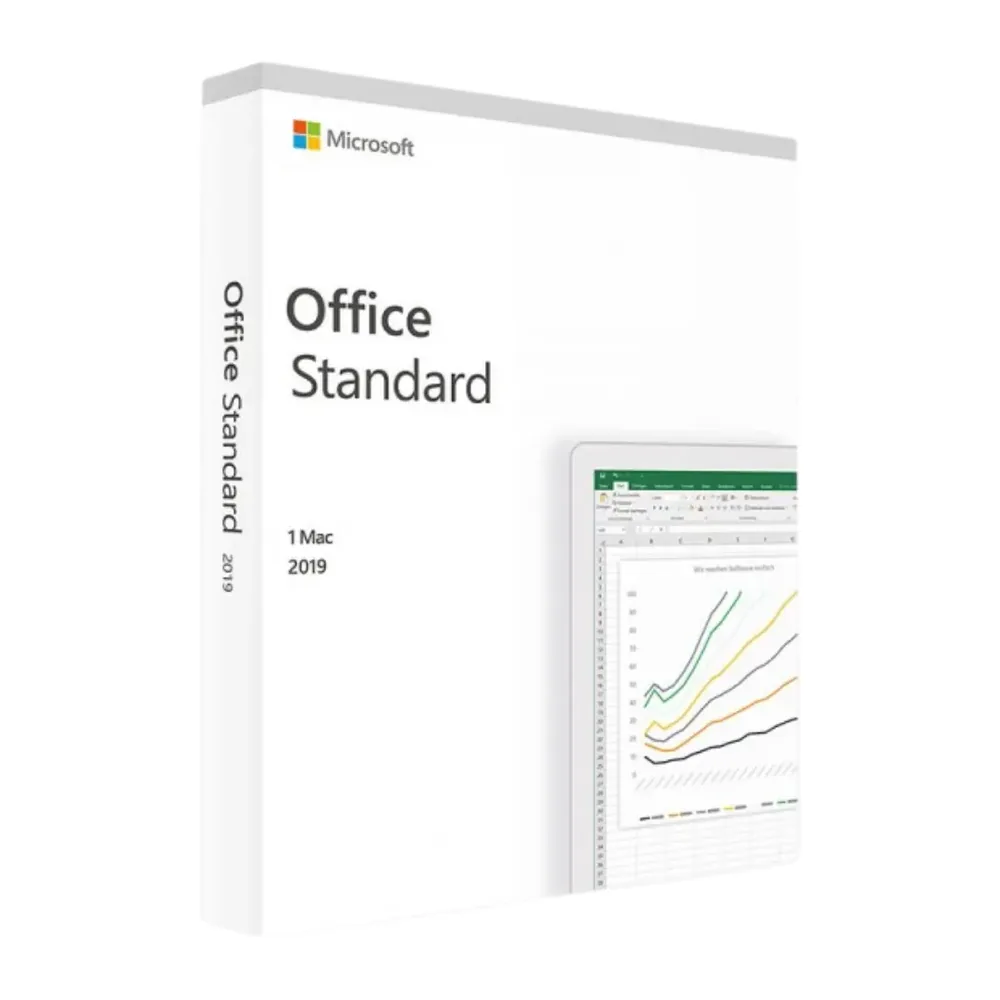
Microsoft Office 2019 Standard Mac
44,98 € 167,98 €-43 %
Microsoft Office 2019 Standard for Mac
Livraison par e-mail, généralement quelques minutes après le paiement
Fonctionnalités principales
Buy Microsoft Office 2019 Standard for Mac License Key on SuperKeyStore: original product key, free technical support and a replacement-or-refund guarantee for faulty keys. Word, Excel, PowerPoint, Outlook and OneNote for 1 or 5 Macs, paid once and without a subscription. Delivered by email, usually within minutes of payment.
Buy Microsoft Office 2019 Standard for Mac
You get a Microsoft Office 2019 Standard for Mac license key (one-time purchase), the download link and activation steps by email. Microsoft Office 2019 Standard for Mac is a one-time-purchase edition of Microsoft Office 2019 for macOS with Word, Excel, PowerPoint, Outlook and OneNote, available for 1 or 5 Macs. No box or DVD is shipped.
| Détail | Valeur |
|---|---|
| Produit | Microsoft Office 2019 Standard Mac |
| Éditeur | Microsoft |
| Catégorie | Office 2019 |
| Platform | macOS |
| Licence | Licence perpétuelle (achat unique) |
| Livraison | License key and download link by email |
Which apps are included in Office 2019 Standard for Mac?
Office 2019 Standard for Mac includes Word, Excel, PowerPoint, Outlook and OneNote. The apps are native macOS versions. You can choose a license for 1 Mac or for 5 Macs. The package contains:
- Word 2019: creates reports, letters, contracts and proposals.
- Excel 2019: manages budgets, lists, calculations and data analysis.
- PowerPoint 2019: builds slides for meetings, training and teaching.
- Outlook 2019: handles email, calendars and contacts.
- OneNote: collects notes in digital notebooks.
What is the difference between Office 2019 Standard for Mac and for Windows?
The Mac edition installs on macOS, while the Windows edition installs on a Windows PC. The core apps are the same. The Windows Standard edition also contains Publisher, which Microsoft never released for Mac. For a PC, choose Office 2019 Standard for Windows PC.
| Détail | Standard for Mac | Standard for Windows |
|---|---|---|
| Word, Excel, PowerPoint, Outlook | Yes | Yes |
| Publisher | No | Yes |
| Système d’exploitation | macOS | Windows 10, Windows 11 |
Who should use Office 2019 Standard for Mac?
It suits Mac users, schools and small businesses that want classic Office apps without recurring payments. The 5-Mac option fits small offices and households with several computers. You pay once and keep the version. Office 2019 receives no new features, so the interface stays the same over time.
Can I buy single Office 2019 apps for Mac?
Yes, single apps such as Excel 2019 for Mac are also available. A single app suits users who only need one program. The full suite is better value when you use three or more apps. All editions are listed in the Office 2019 category.
Why buy Microsoft Office 2019 Standard for Mac from SuperKeyStore?
Buying Microsoft Office 2019 Standard for Mac at SuperKeyStore includes:
- Original license: an original Microsoft Office 2019 Standard for Mac license key, activated through Microsoft’s official activation.
- One-time purchase: pay once and keep using Microsoft Office 2019 Standard for Mac. No subscription like Microsoft 365.
- Platform: macOS.
- Email delivery: the license key and the official download link arrive by email, usually within minutes of payment (some orders get a security check of up to 24 hours).
- Free technical support: our team helps by email with installation and activation ([email protected]).
- Remplacement ou remboursement : if the key does not work, you get a working key or your money back, as set out in our Politique de remboursement.
How do you redeem your Microsoft Office 2019 Standard for Mac key?
You redeem the key in a few steps after the order email arrives. The redemption guide for Microsoft Office 2019 Standard for Mac is:
- Remove older Office versions from the Applications folder.
- Follow the link in your order email: sign in with (or create) a free Microsoft account and enter your 25-character product key.
- Download the installer for your Mac and run it.
- Open Word and sign in with the same Microsoft account to activate.
Your key also stays in your order email and under Mon compte.
Configuration requise
| Système d’exploitation | One of the three most recent macOS versions (Intel or Apple silicon) |
|---|---|
| Processeur | Intel processor or Apple silicon (M1 or later) |
| Mémoire (RAM) | 4 GB |
| Disque dur | 10 GB of free space (HFS+ or APFS formatted) |
| Écran | 1280 x 800 resolution |
| Microsoft support | Ended October 10, 2023 (no more security updates) |
| Internet | Required for download and activation |
Téléchargement et activation
Download Microsoft Office 2019 Standard Mac with SuperKeyStore
Buying Microsoft Office 2019 Standard Mac takes a minute: add it to your cart, pay through our secure, encrypted checkout and you receive your product key and the official download link by email, usually within minutes. Everything you need is in your order email, together with these instructions.
How to install and activate Microsoft Office 2019 Standard Mac
- Remove older Office versions from the Applications folder.
- Follow the link in your order email: sign in with (or create) a free Microsoft account and enter your 25-character product key.
- Download the installer for your Mac and run it.
- Open Word and sign in with the same Microsoft account to activate.
Stuck at any step? Email [email protected] with your order number and a screenshot. Our support is free, and if a key does not work we send a replacement or refund you, as set out in our Politique de remboursement.
Why choose Microsoft Office 2019 Standard Mac
Microsoft Office 2019 Standard Mac is a one-time purchase: you pay once and keep your Office apps without a monthly fee. The apps are installed on your computer, work offline and save files wherever you choose.
More software at SuperKeyStore
Popular with this product: Microsoft 365 Personal, Office 2024 Home & Business for Mac & Windows, Norton 360 Deluxe. Browse all antivirus software et money-saving bundles.
Livraison numérique
All our products are delivered digitally by email: no shipping costs, no waiting for a parcel and no packaging waste. Your key is stored in your order email and, if you created one, in your account, so you can find it again at any time.
FAQ
Is Microsoft Office 2019 Standard Mac a subscription?
No. Microsoft Office 2019 Standard Mac is a one-time purchase (lifetime license). You pay once and keep using it without monthly fees.
Which apps are included?
Microsoft Office 2019 Standard Mac includes Word, Excel, PowerPoint, Outlook and OneNote.
On how many computers can I install it?
On one computer (a Mac). For more computers, buy one key per computer.
Does it work on Windows?
No, this is the Mac edition. For Windows, choose a Windows edition of Office.
Is Office 2019 still supported by Microsoft?
Microsoft ended Office 2019 support on October 10, 2023. It keeps working normally, but no longer receives security updates. If updates matter to you, consider Office 2024 or Microsoft 365.
Do I need an internet connection?
Only to download and activate. After activation the apps work offline.
What happens if I replace my computer?
Uninstall Office from the old computer first, then install it on the new one with the same key. If activation fails, contact us and we will help.
Sous quel délai vais-je recevoir ma clé ?
By email, usually within minutes of payment. Some orders go through a short security check that can take up to 24 hours. Please check your spam folder too.
Que faire si ma clé ne fonctionne pas ?
Email us your order number and a screenshot of the error. We send a replacement or refund you, as described in our Politique de remboursement.
D’autres questions ? Consultez notre FAQ, Politique de remboursement ou contactez-nous.
- Assistance gratuitePar e-mail
- Livraison rapideGénéralement en quelques minutes
- Paiements sécurisésPaiement chiffré
- Licences numériquesActivation officielle
- Clé défectueuse ?Remplacement ou remboursement
Avis
Il n’y a pas encore d’avis.