
Licences Autodesk Maya & Mudbox
Autodesk Maya is 3D animation and visual-effects software; Mudbox is a digital sculpting and texture-painting tool. Both run on Windows and macOS.
- 2
- 3
- 4
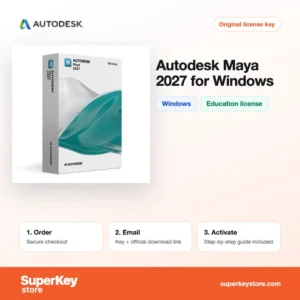
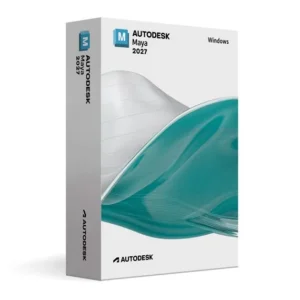
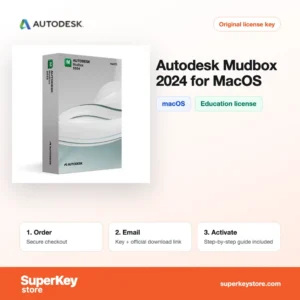
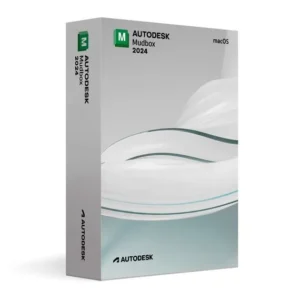
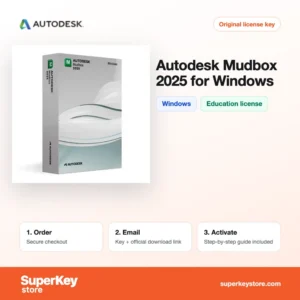
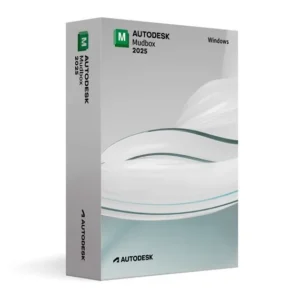
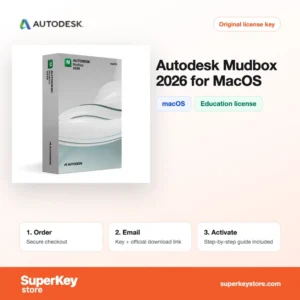
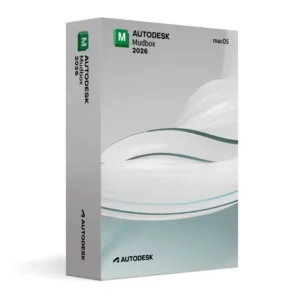
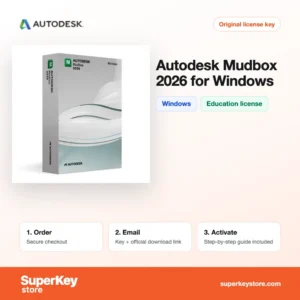
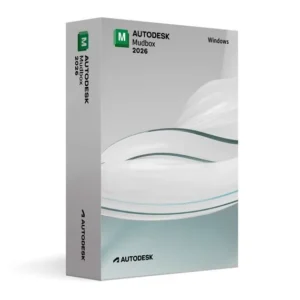
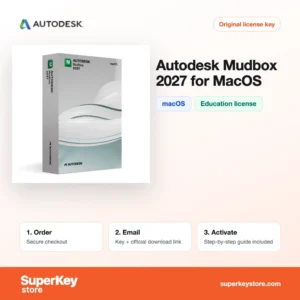
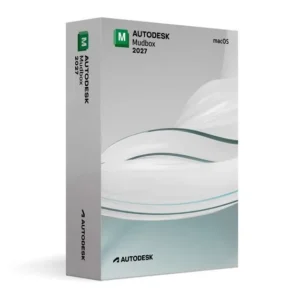
Buy Autodesk Maya & Mudbox Licenses at SuperKeyStore
This category groups two Autodesk tools that studios often use together. Maya is the modeling, rigging, animation and rendering package behind many films, series and games. Mudbox is used to sculpt high-detail surfaces and paint textures, which are then brought back into Maya or another 3D program.
Most products here are education licenses for students and teachers, offered per version and per operating system, such as Autodesk Maya 2027 for Windows (Education) et Autodesk Mudbox 2027 for macOS (Education). There is also Autodesk Maya 2026/2025/2024. You receive your license details and a link to the official Autodesk download by email, usually within minutes.
Why buy an Autodesk Maya license?
Maya and Mudbox cover the main stages of a 3D production pipeline:
- Character animation: Maya offers keyframe animation, a graph editor, rigging tools and motion capture support for animating characters and objects.
- Modeling: Polygon and NURBS modeling tools let you build anything from props to full environments.
- Effects and simulation: Bifrost, nCloth, nParticles and fluid tools create smoke, water, cloth and particle effects.
- Rendering: Arnold for Maya is included and produces photorealistic images directly from the scene.
- Digital sculpting: Mudbox adds brush-based sculpting and 3D texture painting, useful for detailed faces, creatures and surfaces.
What are the main features of Autodesk Maya?
Maya and Mudbox provide the tools that animation and games students learn in class. The key features are:
1. Rigging and skinning
Maya builds skeletons, controls and deformers for characters. Students learn the same rigging workflow used in studios.
2. Keyframe and motion capture animation
The graph editor, Time Editor and motion capture import help animators refine movement. This suits character and game animation courses.
3. Bifrost effects
Bifrost creates procedural effects such as fire, smoke, water and sand. Effects artists use it to build simulations with visual graphs.
4. Arnold rendering
Arnold produces realistic lighting and materials. Interactive previews show changes directly in the viewport.
5. Mudbox sculpting layers
Mudbox sculpts fine details in layers and paints textures directly on the model. The results are exported as maps for Maya or game engines.
Most students use Maya and Mudbox together. A typical workflow is to block out a model in Maya, send it to Mudbox for detailed sculpting and texture painting, and bring the result back to Maya for rigging, animation and rendering with Arnold. Both tools also export to common formats used by game engines such as Unreal Engine and Unity.
Which Autodesk Maya product is right for you?
Choose Maya for animation and scene work, Mudbox for sculpting and texturing, and pick the version and operating system that your school or course uses.
| Produit | Best for | Platform | Licence |
|---|---|---|---|
| Autodesk Maya 2027 for Windows (Education) | Students learning animation on the newest release | Windows | Éducation |
| Autodesk Maya 2027 for macOS (Education) | Students working on a Mac | macOS | Éducation |
| Autodesk Mudbox 2027 for Windows (Education) | Sculpting and texture painting | Windows | Éducation |
| Autodesk Maya 2025 for Windows (Education) | Courses that still teach the 2025 release | Windows | Éducation |
| Autodesk Maya 2026/2025/2024 | Users who need one of the three recent versions | Windows, macOS | See product page |
If your school gives you a choice, newer releases bring updated tools and better support for current operating systems and graphics drivers. Older versions such as 2024 or 2025 are a good match when a class, tutorial series or studio project is fixed to that release. Mudbox changes less between versions, so the newest Mudbox works well with most Maya versions through standard file formats.
What are the system requirements for Autodesk Maya?
Maya and Mudbox need a 64-bit workstation with a supported graphics card; the minimums below are for recent releases, so check each product's System Requirements tab.
| Requirement | Minimum |
|---|---|
| Système d’exploitation | 64-bit Windows 10 or 11; recent macOS versions |
| Processeur | 64-bit Intel or AMD multi-core with SSE4.2; Apple silicon on Mac |
| Mémoire (RAM) | 8 GB minimum, 16 GB or more recommended |
| Espace disque | About 7 GB free for installation |
| Other | Supported graphics card; internet connection for sign-in and activation |
A fast SSD and plenty of memory make a large difference when working with heavy scenes, simulations and high-resolution sculpts.
How do you download and activate Autodesk Maya?
- Order: Select the version and operating system you need and finish checkout.
- Email: You receive the license details and download link, usually within minutes; a security check can take up to 24 hours.
- Download: Get the installer from the official Autodesk website and run it.
- Activate: Start Maya or Mudbox and sign in or enter the license data as described in the email.
What happens to my Autodesk Maya license if I reinstall or format my computer?
Autodesk licenses are linked to your Autodesk account. After a reinstall you download Maya or Mudbox again and sign in with the same account; no key needs to be typed again.
Keep your project folders on an external drive or cloud storage. This makes moving scenes, textures and caches to a new workstation simple.
Can I move a Autodesk Maya license to a new PC or Mac?
Yes. Sign out of the program on the old computer, then install it on the new one and sign in with your Autodesk account. Windows and macOS products here are listed separately, so pick the version for your new system.
What if my Autodesk Maya & Mudbox key does not work?
Contact our support by email with your order number and a screenshot of the problem. We send a replacement or refund your order according to the Politique de remboursement.
Frequently asked questions about Autodesk Maya
Who can use a Maya education license?
Education licenses are for students and teachers. They are for personal, non-commercial learning and teaching, not for paid client work.
What is the difference between Maya and Mudbox?
Maya is a complete 3D package for modeling, animation, effects and rendering. Mudbox focuses only on sculpting detail and painting textures.
Can I use the Windows license on a Mac?
No. Each product here is listed for one operating system, so choose the Windows or macOS version that matches your computer.
Should I buy Maya 2027 or an older version?
Buy the version your course or team uses, because Maya scenes saved in a newer release may not open cleanly in an older one. If you have no such requirement, the newest release gets the latest features.
Does Maya include a renderer?
Yes. Arnold for Maya is installed with the program and can be used for rendering.
Can I use a Maya education license commercially?
No. Education licenses are for students and teachers for learning only, and files may carry an educational watermark.
Can I open Maya files in Blender?
Not directly. Export to FBX, OBJ or USD from Maya and import those files into Blender.
Does Mudbox work with ZBrush files?
Mudbox exchanges models through OBJ and FBX, which ZBrush can also read and write.
Is a graphics card required?
Yes. Maya needs a dedicated or supported GPU for the viewport and good performance.
Are Maya and Mudbox sold together?
No. In this category each program is a separate product for a single operating system, so order the ones you need.
More Autodesk and design software
Find other Autodesk programs in Licences logicielles Autodesk. You can also browse Licences de logiciels de CAO et 3D et Licences Windows.
Que recevez-vous en achetant des licences Autodesk Maya & Mudbox chez SuperKeyStore ?
Vous recevez un e-mail contenant votre clé de licence, le lien de téléchargement officiel et les instructions d’activation étape par étape. Chaque commande comprend :
- Clé de licence : la clé de produit correspondant à l’édition, à la durée et au nombre d’appareils indiqués sur la fiche produit.
- Téléchargement officiel : un lien vers le programme d’installation sur le site de l’éditeur.
- Guide d’activation : les étapes d’installation et d’activation du logiciel, également présentées dans l’onglet « Téléchargement et activation ».
- Historique des commandes : la clé reste disponible dans votre e-mail de confirmation et dans Mon compte.
- Assistance par e-mail : de l’aide à l’installation ou à l’activation par notre équipe d’assistance.
Pourquoi acheter vos licences logicielles chez SuperKeyStore ?
SuperKeyStore vend des clés de licence numériques livrées par e-mail, avec un paiement sécurisé et des règles claires en cas de clé défectueuse. Voici les principales raisons de commander chez nous :
- Livraison numérique : aucun envoi postal ; la clé arrive généralement par e-mail quelques minutes après le paiement, et certaines commandes font l’objet d’un contrôle de sécurité pouvant durer jusqu’à 24 heures.
- Des informations claires : chaque fiche produit indique l’édition, la plateforme, la durée de licence et le nombre d’appareils.
- Remplacement ou remboursement : si une clé ne fonctionne pas, vous recevez une clé fonctionnelle ou vous êtes remboursé, conformément à la Politique de remboursement.
- Paiement sécurisé : les paiements sont traités par le prestataire de paiement ; SuperKeyStore ne conserve pas vos coordonnées bancaires complètes.
Autres licences logicielles du catalogue SuperKeyStore
SuperKeyStore vend également des licences dans ces catégories :
- Licences Windows: Licences Windows 11 · Licences Windows 10
- Licences Microsoft Office: Licences Office 2024 · Licences Microsoft Office pour Mac · Licences Microsoft Word, Excel et applications Office · Licences Microsoft Project · Licences Microsoft Visio
- Licences Microsoft 365
- Licences antivirus: Licences antivirus Norton · Licences antivirus McAfee · Licences antivirus Kaspersky · Licences antivirus Bitdefender · Licences antivirus ESET · Licences antivirus Avast · Licences antivirus AVG · Licences antivirus Panda · Licences VPN · Licences de sécurité pour entreprises
- Licences Windows Server et CAL: Licences CAL Windows Server et CAL RDS · Licences Microsoft SQL Server · Licences Exchange & SharePoint Server
- Licences de logiciels de CAO et 3D: Licences logicielles Autodesk · Licences Graphisoft Archicad · Licences SolidWORKS
- Licences de logiciels de graphisme et de photo: Licences logicielles Adobe · Licences CorelDRAW
- Licences PDF et outils bureautiques
- Licences de logiciels de sauvegarde et de récupération de données
- Licences de logiciels vidéo et musique
- Licences de logiciels de virtualisation
- Packs Office et Windows