
Packs Office et Windows
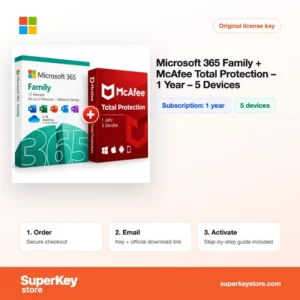
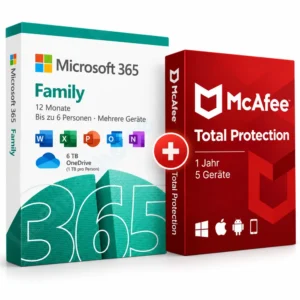
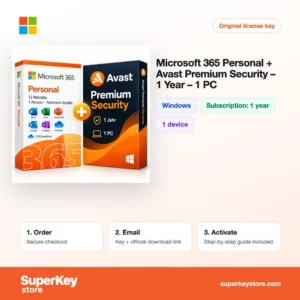
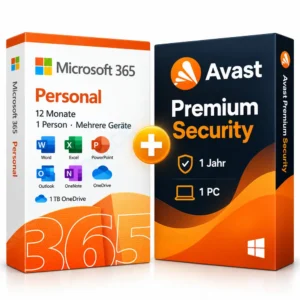
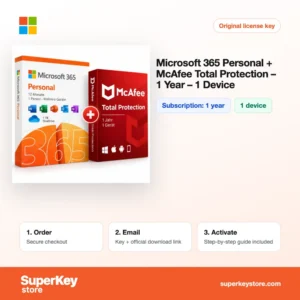
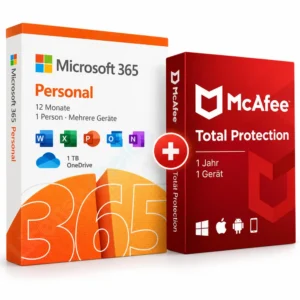
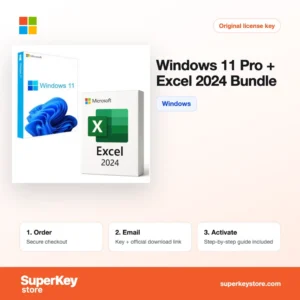
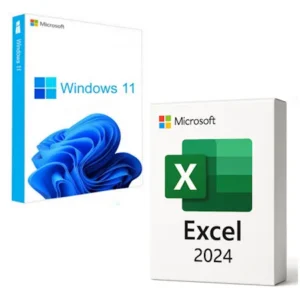
Bundles combine two or more licenses in one order, such as Windows 11 Pro with Office 2024 Professional Plus, Visio with Project, or Microsoft 365 with Norton, McAfee or Avast.
- 2
- 3
- 4
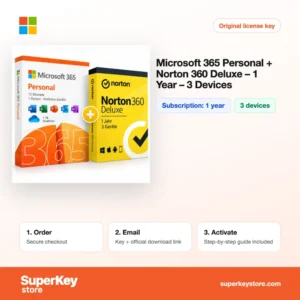
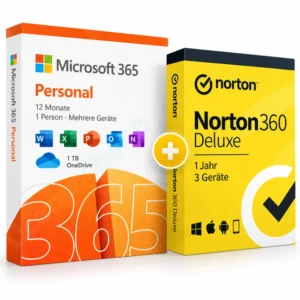
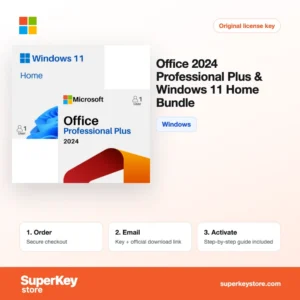
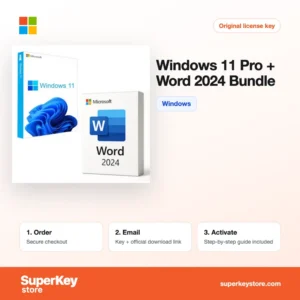
Buy Office & Windows Bundle Licenses at SuperKeyStore
A bundle puts the licenses for a new or rebuilt PC into one order: an operating system, an office suite and sometimes security software. It suits people setting up a computer from scratch, small offices preparing several workstations, and anyone who wants Microsoft 365 together with an antivirus subscription.
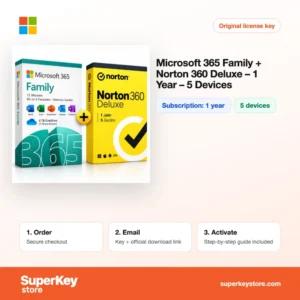
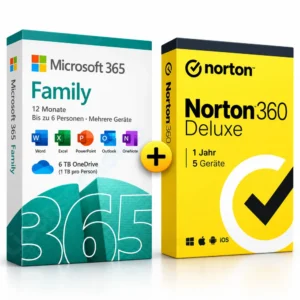
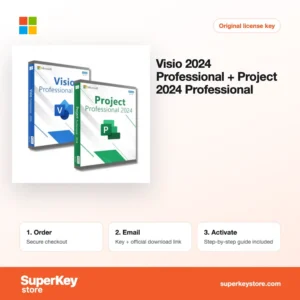
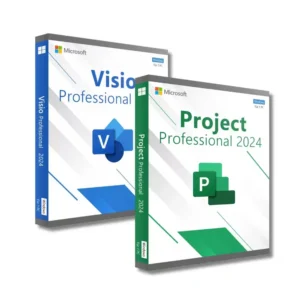
Common choices are the Office 2024 Professional Plus & Windows 11 Pro Bundle, the Visio 2024 Professional + Project 2024 Professional pair for planners, and Microsoft 365 Family + Norton 360 Deluxe (1 year) for households. Each license key arrives by email with its download link, usually within minutes.
Why buy a software bundle license?
Buying matching licenses together has practical advantages:
- One checkout for a whole PC: Windows and Office are delivered together, so you can install and activate everything in one session.
- Versions that match: Bundles pair releases that work well together, such as Windows 11 Pro with Office 2024 or Windows 10 Pro with Office 2019.
- Productivity plus protection: Microsoft 365 bundles add Norton, McAfee or Avast, so documents and devices are covered from day one.
- Specialist pairs: Visio for diagrams and Project for scheduling are often used side by side by project managers and engineers.
- Single-app options: If you need only one Office app, bundles with Word 2024 or Excel 2024 keep the cost down.
What are the main features of software bundles?
The products inside our bundles each bring their own core features:
1. Windows 11 Pro security
Windows 11 Pro adds BitLocker, Windows Hello and Remote Desktop hosting. Small businesses gain encryption and remote management.
2. Office Professional Plus apps
Professional Plus includes Word, Excel, PowerPoint, Outlook, OneNote and Access. Offices get all classic desktop apps in one license.
3. Microsoft 365 cloud services
Microsoft 365 adds 1 TB OneDrive storage per user and apps that update continuously. Families can share one Family plan with up to six people.
4. Antivirus protection
Norton, McAfee, Avast and AVG bundles protect against malware and phishing, and often include extras such as a VPN or password manager.
5. Project and Visio planning tools
Project schedules tasks and resources with Gantt charts, and Visio draws flowcharts and network diagrams. Project managers use both together.
Which bundle is right for you?
For a new Windows PC, choose Windows 11 Pro with Office 2024 Professional Plus; for a family that wants cloud apps and security, choose Microsoft 365 Family with an antivirus suite.
| Produit | Best for | Platform | License/term |
|---|---|---|---|
| Office 2024 Professional Plus & Windows 11 Pro Bundle | Business PCs needing the full Office suite | Windows | One-time purchase |
| Office 2024 Professional Plus & Windows 11 Home Bundle | Home PCs with full Office | Windows | One-time purchase |
| Windows 11 Pro + Word 2024 Bundle | Writers who need only Word | Windows | One-time purchase |
| Visio 2024 Professional + Project 2024 Professional | Project managers and engineers | Windows | One-time purchase |
| Microsoft 365 Family + Norton 360 Deluxe (1 year) | Households sharing apps and protection | Windows, macOS, mobile | Abonnement d’1 an |
| Microsoft 365 Personal + Avast Premium Security | One person with cloud storage and antivirus | Windows, macOS, mobile | Abonnement d’1 an |
For older hardware or existing workflows, Windows 10 Pro + Office 2019 Professional Plus et Office 2021 Professional Plus + Windows 11 Pro remain available. Security-minded buyers can also pick the Office 2024 Pro Plus, Windows 11 Pro & AVG Ultimate Bundle, which adds AVG antivirus and tune-up tools to the classic pair. Check the system requirements of Windows 11 before ordering, because it needs TPM 2.0 and a supported processor.
What are the system requirements for software bundles?
Bundles inherit the requirements of their main product, usually Windows 11; check each product's System Requirements tab.
| Composant | Minimum |
|---|---|
| Système d’exploitation | Windows 11 or Windows 10, depending on the bundle; Microsoft 365 also runs on macOS |
| Processeur | 1 GHz or faster, 2 cores, 64-bit compatible processor (Windows 11) |
| Mémoire (RAM) | 4 GB (Windows 11 and Office) |
| Espace disque | 64 GB for Windows 11 plus about 4 GB for Office |
| Other | TPM 2.0 and UEFI Secure Boot for Windows 11; internet for activation |
Older PCs that do not meet the Windows 11 requirements can use bundles with Windows 10 Pro instead, though Microsoft has ended mainstream support for Windows 10. Office 2024 and Office 2021 run on both systems. Antivirus parts of a bundle also support Mac and mobile devices, depending on the brand.
How do you download and activate a bundle?
- Order the bundle: Add it to your cart and pay once for all included licenses.
- Receive the keys: Every key and its download link come in one email, usually within minutes; a security check can take up to 24 hours.
- Install from the source: Download Windows, Office and any antivirus from Microsoft's or the security vendor's website.
- Activate each product: Install Windows first, then Office, then the antivirus, entering the matching key in each.
What happens to my software bundle license if I reinstall or format my computer?
Windows reactivates automatically after a reinstall on the same hardware, because the activation is stored as a digital license. Office 2019, 2021 and 2024 can be reinstalled from your Microsoft account or with the same key. Microsoft 365 and antivirus subscriptions are restored by signing in to the vendor account.
Can I move a software bundle license to a new PC or Mac?
Retail licenses can usually move to a new PC after you remove them from the old one, while OEM licenses stay with the first computer. Microsoft 365 and antivirus subscriptions are managed in their online accounts, where you can remove an old device and add a new one. Office perpetual licenses are for either Windows or Mac, not both.
Write down which key belongs to which product as soon as you receive the email. A bundle contains several keys, and entering an Office key in Windows setup, or the reverse, is the most common cause of activation errors.
What if my Office & Windows Bundle key does not work?
Email support with your order number, the product that failed and a screenshot of the message. We will replace that key or refund it according to our Politique de remboursement.
Frequently asked questions about software bundles
Are the Office versions in these bundles lifetime licenses?
Yes, Office 2019, 2021 and 2024 are one-time purchases. Microsoft 365 bundles are 1-year subscriptions.
Can I install Windows and Office on different computers?
Yes, the keys are separate. Each key still activates only one device unless the product says otherwise.
What is the difference between Windows 11 Home and Pro in a bundle?
Pro adds BitLocker encryption, Remote Desktop hosting and domain join. Home is enough for most personal use.
Does Office Professional Plus include Access and Publisher?
Office 2021 Professional Plus includes Access and Publisher. Office 2024 Professional Plus includes Access, but Microsoft removed Publisher from the 2024 release.
Do Microsoft 365 bundles work on Mac?
Yes. Microsoft 365 runs on Windows and Mac. Check the antivirus part as well, since device coverage differs per vendor.
Is the Windows key in a bundle a full version?
Yes. It activates a full installation of Windows, not just an upgrade.
Can I use the Office key without Windows from the bundle?
Yes. Each key works independently on a compatible Windows PC.
What does OEM mean in a bundle name?
OEM licenses are intended for a new or rebuilt PC and stay tied to that computer.
Related categories
To buy items separately, see Licences Windows, Licences Microsoft Office et Licences antivirus.
Que recevez-vous en achetant des packs Office et Windows chez SuperKeyStore ?
Vous recevez un e-mail contenant votre clé de licence, le lien de téléchargement officiel et les instructions d’activation étape par étape. Chaque commande comprend :
- Clé de licence : la clé de produit correspondant à l’édition, à la durée et au nombre d’appareils indiqués sur la fiche produit.
- Téléchargement officiel : un lien vers le programme d’installation sur le site de l’éditeur.
- Guide d’activation : les étapes d’installation et d’activation du logiciel, également présentées dans l’onglet « Téléchargement et activation ».
- Historique des commandes : la clé reste disponible dans votre e-mail de confirmation et dans Mon compte.
- Assistance par e-mail : de l’aide à l’installation ou à l’activation par notre équipe d’assistance.
Pourquoi acheter vos licences logicielles chez SuperKeyStore ?
SuperKeyStore vend des clés de licence numériques livrées par e-mail, avec un paiement sécurisé et des règles claires en cas de clé défectueuse. Voici les principales raisons de commander chez nous :
- Livraison numérique : aucun envoi postal ; la clé arrive généralement par e-mail quelques minutes après le paiement, et certaines commandes font l’objet d’un contrôle de sécurité pouvant durer jusqu’à 24 heures.
- Des informations claires : chaque fiche produit indique l’édition, la plateforme, la durée de licence et le nombre d’appareils.
- Remplacement ou remboursement : si une clé ne fonctionne pas, vous recevez une clé fonctionnelle ou vous êtes remboursé, conformément à la Politique de remboursement.
- Paiement sécurisé : les paiements sont traités par le prestataire de paiement ; SuperKeyStore ne conserve pas vos coordonnées bancaires complètes.
Autres licences logicielles du catalogue SuperKeyStore
SuperKeyStore vend également des licences dans ces catégories :
- Licences Windows: Licences Windows 11 · Licences Windows 10
- Licences Microsoft Office: Licences Office 2024 · Licences Microsoft Office pour Mac · Licences Microsoft Word, Excel et applications Office · Licences Microsoft Project · Licences Microsoft Visio
- Licences Microsoft 365
- Licences antivirus: Licences antivirus Norton · Licences antivirus McAfee · Licences antivirus Kaspersky · Licences antivirus Bitdefender · Licences antivirus ESET · Licences antivirus Avast · Licences antivirus AVG · Licences antivirus Panda · Licences VPN · Licences de sécurité pour entreprises
- Licences Windows Server et CAL: Licences CAL Windows Server et CAL RDS · Licences Microsoft SQL Server · Licences Exchange & SharePoint Server
- Licences de logiciels de CAO et 3D: Licences logicielles Autodesk · Licences Graphisoft Archicad · Licences SolidWORKS
- Licences de logiciels de graphisme et de photo: Licences logicielles Adobe · Licences CorelDRAW
- Licences PDF et outils bureautiques
- Licences de logiciels de sauvegarde et de récupération de données
- Licences de logiciels vidéo et musique
- Licences de logiciels de virtualisation
- Packs Office et Windows