
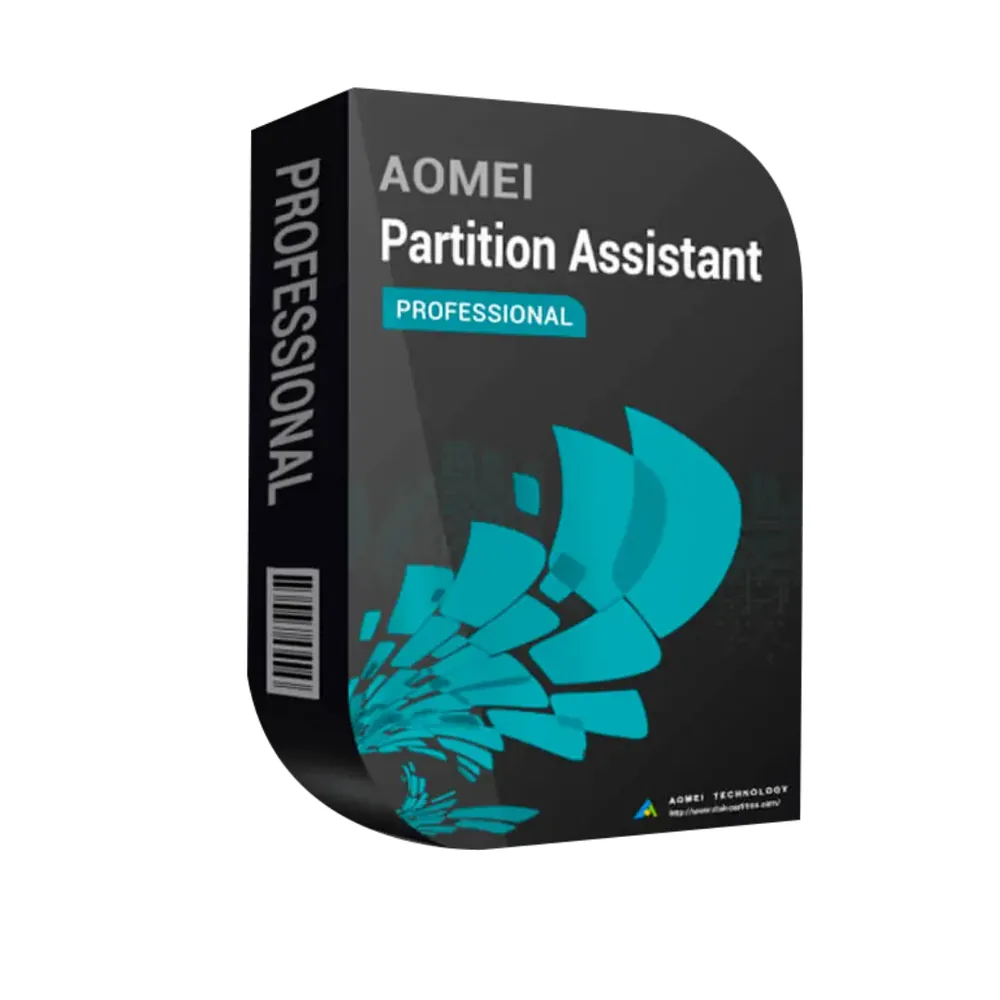
AOMEI Partition Assistant Professional
44,98 € 62,98 €-14 %
AOMEI Partition Assistant Professional
Livraison par e-mail, généralement quelques minutes après le paiement
Fonctionnalités principales
Buy AOMEI Partition Assistant Professional License Key on SuperKeyStore: original product key, free technical support and a replacement-or-refund guarantee for faulty keys. Resize, merge and move partitions, clone disks and migrate Windows to an SSD without losing data, for up to 2 PCs. Delivered by email, usually within minutes of payment.
Buy AOMEI Partition Assistant Professional
You get an AOMEI Partition Assistant Professional license key, the download link and activation steps by email. AOMEI Partition Assistant Professional is a Windows disk partition manager from AOMEI that resizes, merges, clones and converts partitions and migrates the operating system to a new SSD or HDD. No box or DVD is shipped.
| Détail | Valeur |
|---|---|
| Produit | AOMEI Partition Assistant Professional |
| Éditeur | AOMEI |
| Catégorie | Utilitaires PC |
| Livraison | License key and download link by email |
What does AOMEI Partition Assistant Professional do?
AOMEI Partition Assistant Professional manages hard disks and partitions on Windows PCs without data loss. It changes partition sizes, copies disks and moves Windows to a new drive. This edition covers 2 PCs.
What are the main features of Partition Assistant Professional?
The Professional edition combines partition, cloning and migration tools. The main features are:
- Resize and move partitions: expands or shrinks partitions without formatting.
- Merge and split partitions: combines or divides disk space.
- OS migration: moves Windows to an SSD or HDD without reinstalling.
- Disk and partition cloning: copies whole drives for upgrades or replacement.
- MBR and GPT conversion: changes the disk style without deleting partitions.
- Allocate free space: moves unused space from one partition to another.
- Bootable media: creates a rescue disk to manage drives when Windows does not start.
Which situations call for Partition Assistant Professional?
The tool is most useful when a system drive is full or when you upgrade to a faster SSD. It enlarges a full C: drive with space from another partition. It moves an existing Windows installation to a new SSD so all programs stay in place. It also prepares disks for Windows 11 by converting MBR to GPT.
What is the difference between Professional and Technician editions?
The Professional edition is for a small number of own PCs, while the Technician edition allows use on many computers for service work. The table compares them:
| Détail | Professional | Technician |
|---|---|---|
| Licensed PCs | 2 | Unlimited PCs within one company |
| Paid services for customers | No | Yes |
IT service providers should choose AOMEI Partition Assistant Technician. For full system backups, compare AOMEI Backupper Professional.
Why buy AOMEI Partition Assistant Professional from SuperKeyStore?
Buying AOMEI Partition Assistant Professional at SuperKeyStore includes:
- Original license: an original AOMEI Partition Assistant Professional license key, activated through AOMEI’s official activation.
- Email delivery: the license key and the official download link arrive by email, usually within minutes of payment (some orders get a security check of up to 24 hours).
- Free technical support: our team helps by email with installation and activation ([email protected]).
- Remplacement ou remboursement : if the key does not work, you get a working key or your money back, as set out in our Politique de remboursement.
How do you redeem your AOMEI Partition Assistant Professional key?
You redeem the key in a few steps after the order email arrives. The redemption guide for AOMEI Partition Assistant Professional is:
- Open your order email, download the software with the official link and enter your license key when asked.
Your key also stays in your order email and under Mon compte.
Téléchargement et activation
Download AOMEI Partition Assistant Professional with SuperKeyStore
Buying AOMEI Partition Assistant Professional takes a minute: add it to your cart, pay through our secure, encrypted checkout and you receive your product key and the official download link by email, usually within minutes. Everything you need is in your order email, together with these instructions.
How to install and activate AOMEI Partition Assistant Professional
- Open your order email, download the software with the official link and enter your license key when asked.
Stuck at any step? Email [email protected] with your order number and a screenshot. Our support is free, and if a key does not work we send a replacement or refund you, as set out in our Politique de remboursement.
Why choose AOMEI Partition Assistant Professional
AOMEI Partition Assistant Professional is delivered digitally and ready to use within minutes.
More software at SuperKeyStore
Popular with this product: Windows 11 Pro, Office 2024 Professional Plus, Microsoft 365 Personal. Browse all antivirus software et money-saving bundles.
Livraison numérique
All our products are delivered digitally by email: no shipping costs, no waiting for a parcel and no packaging waste. Your key is stored in your order email and, if you created one, in your account, so you can find it again at any time.
FAQ
Is this a genuine license?
Yes. You receive a genuine license key with the official download link by email.
Sous quel délai vais-je recevoir ma clé ?
By email, usually within minutes of payment. Some orders go through a short security check that can take up to 24 hours. Please check your spam folder too.
Que faire si ma clé ne fonctionne pas ?
Email us your order number and a screenshot of the error. We send a replacement or refund you, as described in our Politique de remboursement.
D’autres questions ? Consultez notre FAQ, Politique de remboursement ou contactez-nous.
- Assistance gratuitePar e-mail
- Livraison rapideGénéralement en quelques minutes
- Paiements sécurisésPaiement chiffré
- Licences numériquesActivation officielle
- Clé défectueuse ?Remplacement ou remboursement
Sélectionné pour vous
Tout voir AnyViewer Professional38,98 € 139,98 €+ Ajouter
 EaseUS Key Finder22,98 € 38,98 €+ Ajouter
 EaseUS OS2Go Professional22,98 € 61,98 €+ Ajouter
 EaseUS MobiMover22,98 € 83,98 €+ Ajouter
 Ashampoo Burning Studio 2244,98 €+ Ajouter

Avis
Il n’y a pas encore d’avis.